Dopamine
A VPN client from FRKN, with a pile of good stuff. Reels show up without lag and in good quality. Works on Android, iOS, Windows, macOS and Linux.
Powered by FRKNv4.8.14.92 updated 10.11.2026
- Subscriptions can be removed one by one: a bin button in the subscription selector plus confirmation — other subscriptions and their servers stay untouched.
- Subscriptions are labelled with the tail of their id instead of "Subscription 1/2", so it is obvious which one is which.
- The refresh button reloads only the selected subscription; with "All" it reloads everything.
- With "All protocols" selected, each server row now shows its own protocol.
- The support report no longer contains addresses of other servers, and the endpoint check probes this row's own addresses.
- iOS: the status bar no longer appears upside down while the app loads; Diagnostics moved to the top level of Settings.
- The BelySlon and Jolly Roger icons no longer stand out against the app background.
- Android: fixed the 64-bit build — it shipped without the tunnel libraries.
- Memory: the xray core is capped on iOS, smaller list caches and fewer decoded images.
- New Connections List screen with clearer flags, the selected-server state and a cleaner connection card.
- Connecting is more predictable: one best-option calculation, real traffic confirmation and recovery after Wi‑Fi → LTE handover.
- Custom DNS and MTU live in Settings → Connection; the server card shows when values are overridden.
- Split tunneling is now a dedicated settings page.
- Android: removed the light blotch on the server card — the card is flat now.
- Stability and telemetry: fewer false “Connected” states, support reports and auto-reconnect.
- The server list gets an "All" filter and location grouping: one card per city instead of a set of protocols.
- With several subscriptions, pick the one you need: All, "Subscription 1", "Subscription 2"…
- Subscriptions refresh independently: servers from one no longer overwrite another.
- "Local subnets" setting: addresses that always bypass the VPN, even with the kill switch on.
- Windows: split tunneling is applied on every activation, so excluded apps really bypass the VPN. Restart Steam and games after connecting.
- The server list downloads only the servers that changed.
- You can share one server with a link, without the rest of the subscription.
- The server list updates on its own and drops nodes the subscription no longer includes.
- An installed server picks up a new address when the subscription refreshes.
- A working AmneziaWG 3.1 server is no longer shown as offline.
- The menu bar icon highlights while the VPN is connected.
- Connection speed stays visible after the app goes to the background.
- AmneziaWG Mobile connects.
- Auto-select finishes in seconds instead of several minutes.
- The tunnel no longer covers local 10.x addresses.
- If the main API does not answer, the key and config request is retried through the spare address.
- The app no longer closes when the API does not answer.
Downloaded 0 times
Previous versions
How it looks
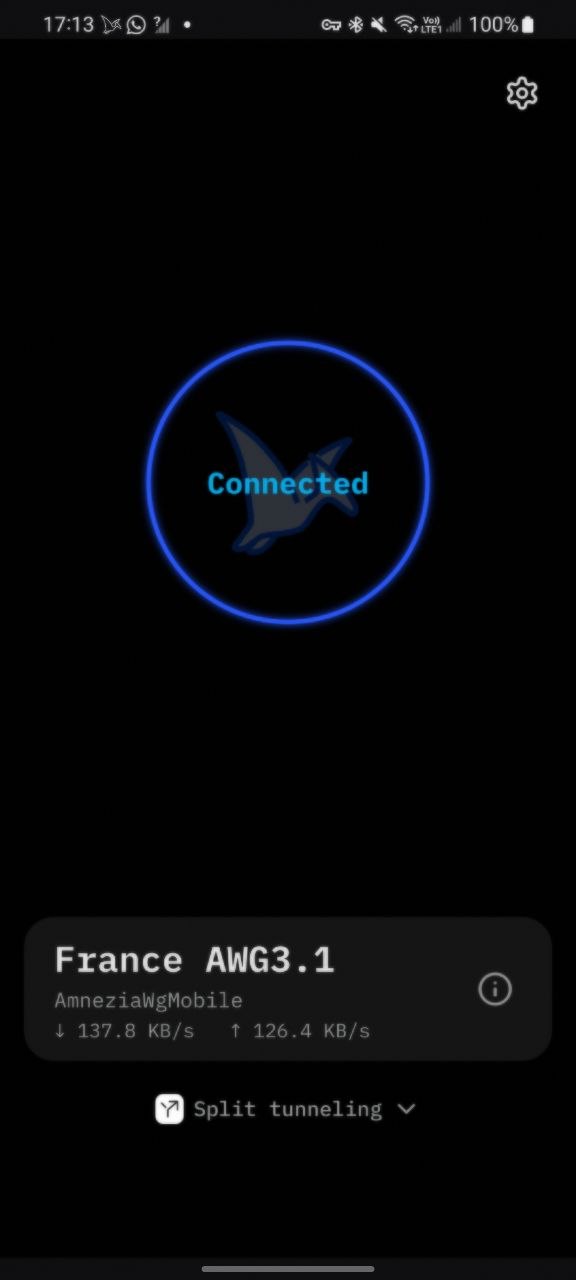
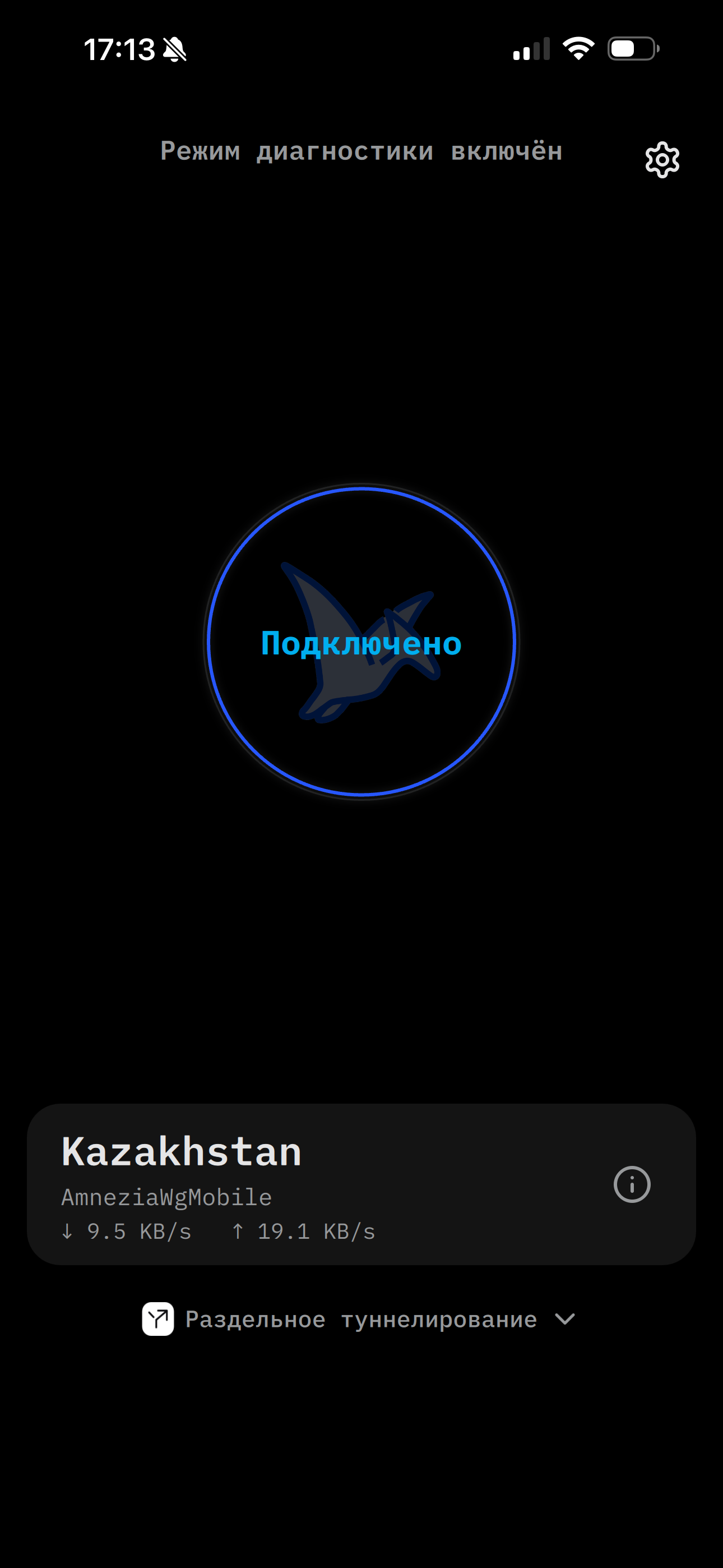
Why Dopamine
Privacy & access

No email, no accounts
Anonymous one-tap access: we collect no email, no logs, no personal data.

Censorship resistance
VLESS Reality, XHTTP via CDN, gRPC and AmneziaWG with packet obfuscation — indistinguishable from regular HTTPS to DPI.
Hysteria2
A fast QUIC-based protocol built for unstable networks.


Traffic control

Flexible split tunneling
VPN only for selected sites and services — or the other way around, "everything except selected". Applied on reconnect.

Ready-made service presets
Ozon, banks and more: one checkbox instead of a manual domain list.
Suggest a service
AmneziaWG Mobile
A separate profile tuned for mobile networks and battery life.
Control & transparency
Auto-select
Finds the best server and connects to it.

Live server checks
Availability and latency for every server right in the list: green/yellow/red indicator, with exact pings if you want them.

Honest connection status
The connection is confirmed by a real handshake, not just by the tunnel being up.
Platform

iOS, macOS, Windows, Android and Linux
One account and the same experience on every device.

Russian, English, Ukrainian
Fully localized interface.

Kill Switch
Traffic never leaks outside the tunnel if the connection drops.