per account
3 servers
For now, one subscription can't have more than three private nodes.
Your own node is independence from VPN services and fine tuning for a region or a provider's limits. FRKN lets you run a node with minimal knowledge of VPN networks and system administration, and gives its tooling, features and app to everyone — for free.
per account
For now, one subscription can't have more than three private nodes.
after install
More connections are created in the cabinet.
per node
Buy extra addresses on the same VPS. The app walks around an RKN block on its own: if one address is blocked, Dopamine tries the rest and picks one that works.
You need a normal VPS:
Get a one-time inst_… token in the cabinet, button
“Your node”. Token lives about an hour.
No cabinet yet? On the subscription page press “Create a selfhosted account” — it's made without an activation key, then come back with your UUID.
SSH in: ssh root@YOUR_IP. Paste the command, replace
inst_YOUR_TOKEN with yours:
curl -fsSL https://frkn.org/install | bash -s -- --token inst_YOUR_TOKEN
Takes a few minutes (packages, AWG kernel, fnode-agent binary). No red errors at the end. Verify:
systemctl status fnode --no-pager
Expect active (running). The service is named
fnode — that's fnode-agent. If it failed — paste the
output to support.
You need a normal VPS:
Get a one-time inst_… token in the cabinet, button
“Your node”. Token lives about an hour.
Same as Ubuntu. SSH in: ssh root@YOUR_IP. Paste the
command, replace inst_YOUR_TOKEN with yours.
AmneziaWG is built from the AUR — slower than apt.
curl -fsSL https://frkn.org/install | bash -s -- --token inst_YOUR_TOKEN
Takes a few minutes (packages, AWG kernel, fnode-agent binary). No red errors at the end. Verify:
systemctl status fnode --no-pager
Expect active (running). The service is named
fnode — that's fnode-agent. If it failed — paste the
output to support.
full): awg0 + awg1 +
hysteria2 + fnode-agent (no WireGuard)
--profile awg
--profile wg
— interface wg0, UDP 51820, net
10.100.0.0/16, config
/opt/wireguard/wg0.conf. Re-runs keep the conf; to
rotate keys pass --force-wg-conf, then fully refresh
the client subscription.
--profile hysteria2 (needs a DNS A
record for the hostname)
--ips 5.6.7.8,7.8.9.10. Addresses already on the box
are picked up at install. The first in the list is the
default-route address. On a node that is already up, add them to
node_ips in /opt/fnode/config.toml and
systemctl restart fnode
--awg-version 3.1 (default) or
--awg-version 2.0. Mobile only (awg1):
--awg-mobile-version 2.0 or
--awg-mobile-version legacy when LTE fails on 3.1.
Re-runs keep existing confs; to switch generation pass
--force-awg-conf, then fully refresh the client
subscription.
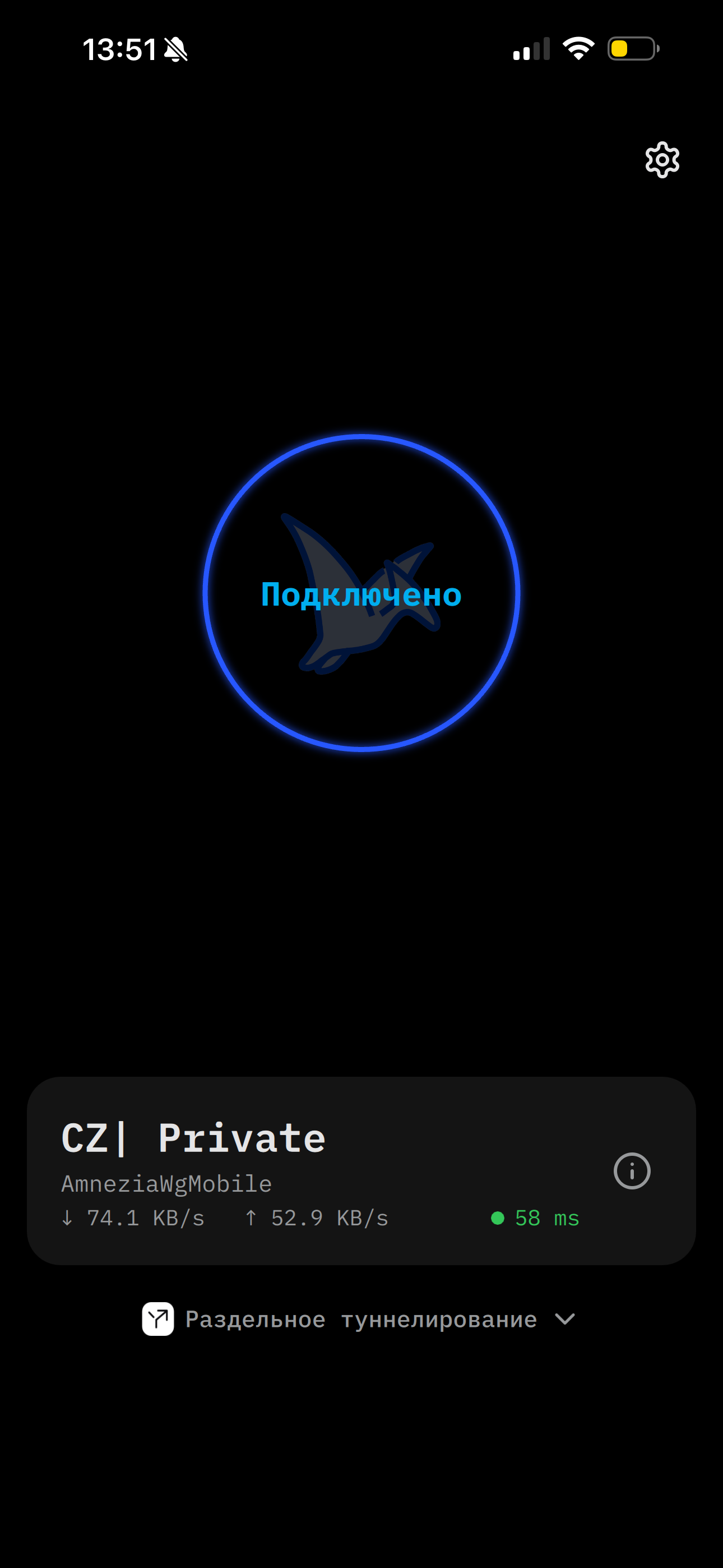
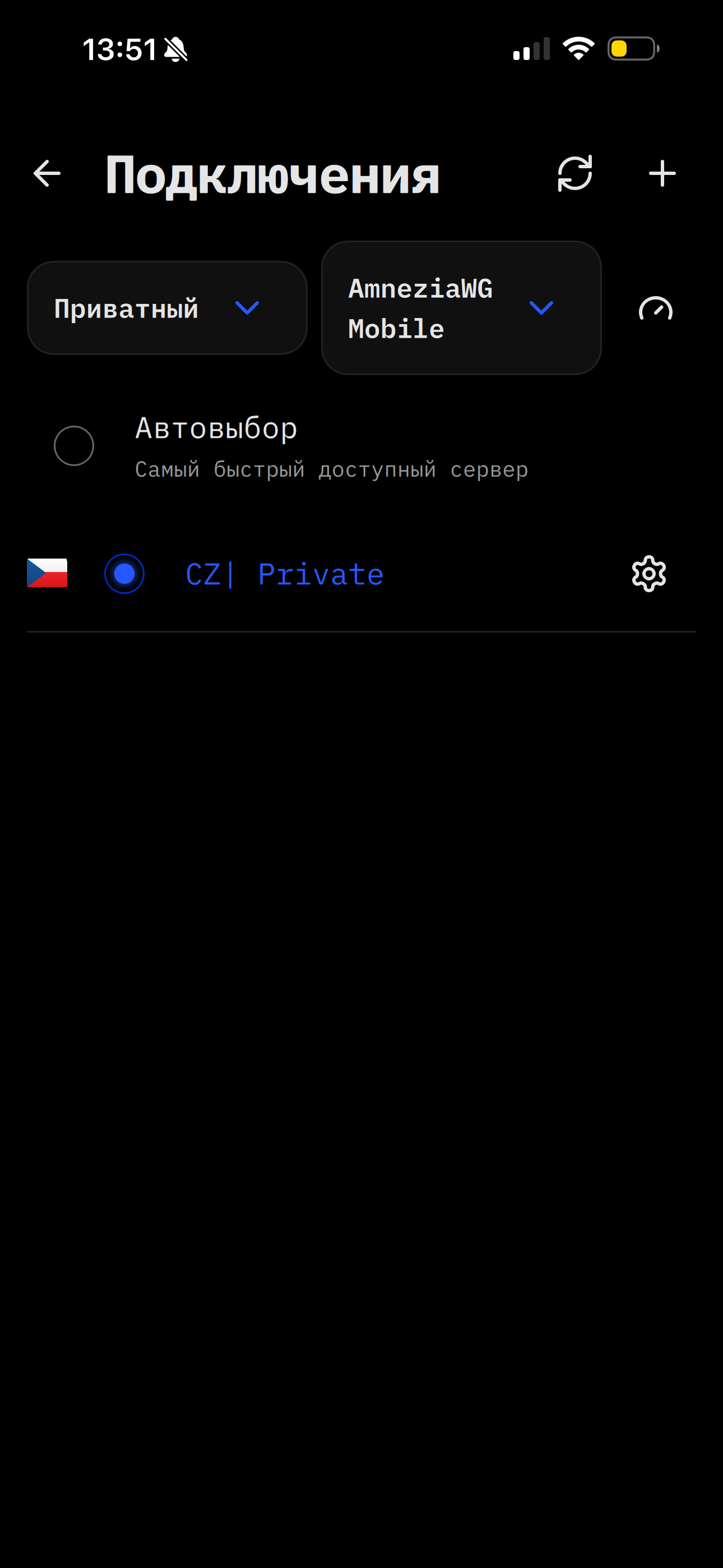
AmneziaWG (awg0) is for Wi‑Fi and routers — older apps understand it.
AmneziaWG Mobile (awg1) is tuned for LTE and mobile networks: better connection and link quality. On older clients and routers Mobile may not work.
WireGuard (--profile wg) is plain WG
without Amnezia junk — simpler for routing experiments, weaker where
vanilla WireGuard is filtered.
Hysteria2 is a fast UDP protocol; it needs a domain with a DNS A record pointing at this machine’s IP (for the ACME cert). No domain — ask in @frkn_dev.
curl -fsSL https://frkn.org/install | bash -s -- --token inst_… --profile awg
>
curl -fsSL https://frkn.org/install | bash -s -- --token inst_… --profile wg
>
linux-lts → linux-lts-headers), then run
the command again.
sudo -i and try again.inst_… in the cabinet.If something does not work or will not connect — basic checks are here.
If Amnezia does not connect, check that UDP reaches the box at all.
UDP via netcat
AmneziaWG listens on 51820, Mobile on 8443.
Install netcat and free the port — the tunnel holds it:
apt-get install -y netcat-openbsdawg-quick down awg0
For AmneziaWG Mobile — awg-quick down awg1.
nc -u -l 51820From your computer. Turn VPN off on it, or the test is wrong. On macOS and Linux:
nc -u YOUR-SERVER-IP-ADDRESS 51820
Type any line and press Enter. For example TEST then Enter.
That line should show up in the server console where netcat is running.
Windows has no nc. From PowerShell, with the node IP:
$u = New-Object System.Net.Sockets.UdpClient; $b = [Text.Encoding]::ASCII.GetBytes("ping`n"); [void]$u.Send($b, $b.Length, "YOUR-SERVER-IP-ADDRESS", 51820); $u.Close()
The node should print ping. Silence means UDP is not
getting through. Bring the tunnel back:
awg-quick up awg0. For Mobile, same steps with
awg1 and port 8443.
If the line never shows up, try other ports the same way. Sometimes
one of them gets through. On the server listen with
nc -u -l PORT (stop whatever holds it), and send to that
port from your computer. Try 443, 8443,
51820, 3000. Also 53,
123 and 4500 — those often pass when the
usual VPN ports do not.
If the test line arrived on a port, put it in ListenPort.
AmneziaWG: /opt/amnezia/awg0.conf. Mobile:
/opt/amnezia/awg1.conf. Each file needs its own port —
do not put the same one in both. Then bring the interface and
fnode-agent back up so clients pick up the new port:
awg-quick down awg0 && awg-quick up awg0 && systemctl restart fnode
For Mobile, same steps with awg1. Open that UDP port in
the firewall.
Firewall
ufw status
If ufw is active and the ports are missing:
ufw allow 51820/udp and ufw allow 8443/udp.
No such command — ufw is not installed, check iptables.
iptables -S INPUT
Look for DROP or REJECT on those UDP ports. Open them:
iptables -I INPUT -p udp --dport 51820 -j ACCEPT
and the same for 8443. The hoster's panel can block UDP
too — open the ports there as well.
Kernel module logs
This is the Amnezia module debug log. It shows whether packets arrive and where the connection breaks.
echo 'module amneziawg +p' > /sys/kernel/debug/dynamic_debug/control
dmesg -wT
If the file is missing:
mount -t debugfs none /sys/kernel/debug. Turn it off:
echo 'module amneziawg -p' > /sys/kernel/debug/dynamic_debug/control.
Obfuscation: 3.1 / 2.0 / legacy
Installer default is AmneziaWG 3.1
(S1–S4, H‑ranges, I1,
RandomTrailers, DisableCookies). On some
RU LTE links 3.1 never comes up; rolling mobile back to
2.0 (no 3.1 flags) or legacy
(H1=1…H4=4, only S1/S2) usually fixes it.
Profiles: Mobile / aggressive networks (RU LTE) — prefer legacy or
an explicit client↔server matrix. Desktop / Wi‑Fi — 2.0/3.x is fine.
Do not reshuffle mobile↔desktop ports without need — it breaks sub
cache for every client; change obfuscation generation first.
Example split: Mobile = legacy AWG + :443, Desktop =
3.x + :51820 — intentional, not a bug.
Checklist when Mobile fails only on LTE:
dmesg: handshake initiation with no keepalive /
stopped hearing back?
S3/S4, H‑ranges,
I1=<r…>, HPK, RandomTrailers?
→ try legacy.
Roll back mobile via the installer (rewrites junk — then fully refresh the client subscription):
curl -fsSL https://frkn.org/install | bash -s -- --awg-mobile-version legacy --force-awg-conf
Or edit /opt/amnezia/awg1.conf: drop
S3/S4, I*, HPK, RandomTrailers,
set H1=1…H4=4. Then:
awg-quick down awg1 && awg-quick up awg1 && systemctl restart fnode
and refresh the subscription. Stale junk = Unknown message /
Invalid MAC.
One-liner: if AmneziaWG Mobile will not come up on LTE while Wi‑Fi / desktop / another node work — roll mobile obfuscation back to legacy, restart awg1+fnode, and refresh the subscription.
Service logs:
journalctl -u hysteria2 -n 80 --no-pager
Domain. In /opt/hysteria2/config.yaml,
acme.domains is the name the certificate is issued for.
Its A record must point at this machine's public IP:
grep -A3 '^acme:' /opt/hysteria2/config.yamlgetent hosts DOMAIN
The address should match this machine
(ip -4 route get 1.1.1.1). 127.0.0.1 means
the name is only in /etc/hosts — you need a real DNS A record.
Certificate. On this machine:
echo | openssl s_client -connect 127.0.0.1:443 -servername DOMAIN 2>/dev/null | openssl x509 -noout -subject -dates
You should see a subject and dates. Empty or an error means the certificate was not issued — read the log above.
Port. Hysteria listens on 443:
ss -ulpn | grep ':443'ss -tlpn | grep ':443'
UDP 443 is Hysteria itself. TCP 443 is how it gets the certificate.
Nothing listening — the service did not come up, back to
journalctl. Open the port in the firewall and in the
hoster's panel.
Service logs. The unit is named fnode — that is
fnode-agent:
journalctl -u fnode -n 80 --no-pagersystemctl is-active fnode
It should say active. If it crashes and comes back right
away, /opt/fnode/config.toml is usually broken. The first
address in node_ips must match address.
After the edit: systemctl restart fnode.
Cabinet. The node should show up there. Extra connections are created there too. The durable token is written after a successful registration:
test -f /opt/fnode/api.token && echo ok
ok means registration went through. No file — the agent
never registered, so it will not appear in the cabinet. An
inst_… token is one-time: do not run the installer
again, get a new one in the cabinet.
API reachability. The agent talks to api.frkn.org: HTTPS
and TCP 3001, 3002. If the hoster blocks
outbound traffic, the log shows connection errors and the node never
appears in the cabinet.
curl -sS -o /dev/null -w '%{http_code}\n' --max-time 10 https://api.frkn.org
000 or a timeout means the API is unreachable — that is
the hoster's panel. Any other code means the network path is open.
Configs the agent hands to clients. A missing file, or a different
path in config.toml, means that protocol will not show
up in the app even while the service is active:
ls /opt/amnezia/awg0.conf /opt/amnezia/awg1.conf /opt/wireguard/wg0.conf /opt/hysteria2/config.yaml
A missing file is fine if you did not install that piece. After
editing these files, run systemctl restart fnode or
clients keep the old port and addresses.
If something still does not work — the t.me/frkn_dev chat is there for help.